
Vehicle tracking for location, routes and stops
We review the number and type of vehicles and the tracking information you need, then select the GPS device and platform, install it and test location and alerts before handover.
- ✓ Live location by system
- ✓ Trip history and alerts
- ✓ Tested before handover
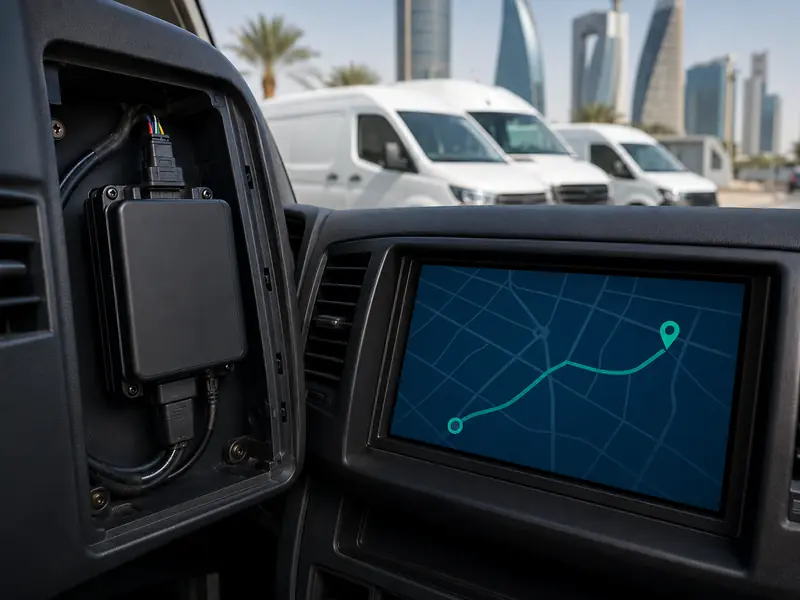
Start with how tracking will be used
Track vehicle location, trip history and the required alerts according to the device and platform.
Organize multiple vehicles and review locations, routes and reports from one fleet platform when supported.
Car or truck, daily use and power requirements help determine the suitable device and installation method.
Core GPS tracking information
View the vehicle on a map according to the platform update rate and device capabilities.
Review routes, trips and stops according to the platform's available retention period.
Movement, speed or geofence alerts where these features are supported by the selected setup.
Fleet operation and tracking reports according to the capabilities of the selected platform.
Requirements are confirmed before installation
What do we confirm?
- Number and type of vehicles and how they are used.
- Live location, trip history and required reports.
- Alerts and geofences where supported.
- Device power and installation location inside the vehicle.
- Data SIM, connectivity and platform requirements.
Important before approval
Features, history retention, location update rates and reporting differ by device, platform and plan. Some solutions also require a data SIM or platform subscription, so ongoing requirements are explained before installation.
Platform reference: For projects using WhatsGPS, see our WhatsGPS tracking platform page.
From requirements to handover
We confirm the number of vehicles and required information and alerts.
Connectivity, compatibility and actual supported features are reviewed.
We install the device and configure the vehicle, account and required settings.
We confirm location, trips and alerts, then explain system use.
Two different services that can work together
Dash Cam
Focused on video recording around or inside the vehicle, with GPS or 4G available on selected models.
Before installing a GPS tracker
Can I see the vehicle location live?
Yes when the tracker, platform and connection are active and support live tracking. Update frequency varies by system.
Can I review trip and stop history?
Many platforms provide this, while retention periods and report detail depend on the selected platform and plan.
Does a GPS tracker need a SIM card?
Connected trackers commonly need a data SIM or another connectivity method to send information to the platform. This is confirmed before installation.
Can several vehicles be tracked in one account?
Yes on fleet platforms that support multiple vehicles. User permissions and reporting options depend on the platform.
Is GPS tracking the same as a dash cam?
No. GPS tracking is primarily for location and routes, while a dash cam records video; some dash cam models may also include GPS.